
Free for buyers
Plan your feed procurement project before you buy
Short answer: fix the production target, write the specification, set a budget, then request and compare offers on the same criteria. FeedMatch’s free project workspace keeps those steps, dates and figures in one place — and links them to your RFQ.
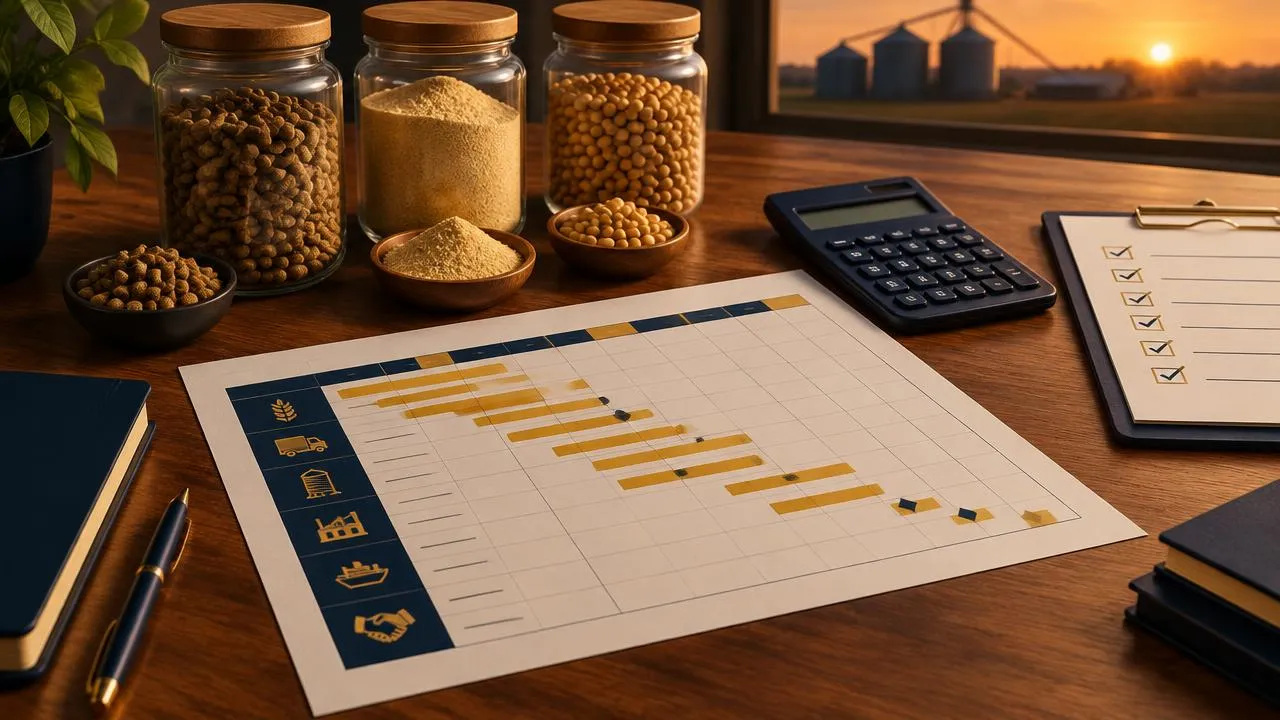
Five steps that prevent costly buying mistakes
1. Fix the production target
Species, stage, volume per month or line capacity you need — the number every later decision depends on.
2. Write the specification
Nutrient or ingredient specification, acceptable substitutes, or the products an upgraded line must run.
3. Plan budget before quotes
Enter your own estimate per line item so incoming quotes have something to be measured against.
4. Request offers
Send one RFQ through FeedMatch; the team contacts suppliers and shares reviewed offers in your workspace.
5. Compare and decide
Score offers on the same criteria, check landed cost with the calculators, then record the commitment.
What the workspace does
Templates you edit
Start blank or from a feed & ingredient supply, existing feed-line upgrade or full-phase template. Dates and durations are placeholders you change.
Gantt, board, list and calendar
Drag bars to reschedule, set dependencies and milestones, and see the critical path, overdue tasks and a today line.
Budget you can trust
CAPEX and OPEX lines with estimated, quoted, committed and actual columns. Foreign-currency lines count only when you record a rate, with its source and date.
Anonymised offer comparison
Offers your FeedMatch team reviews appear as Offer A, B, C with weighted scores for price, spec fit, lead time, support and terms.
Team and notes
Invite colleagues as viewers or editors by email. Every change is recorded in the activity log.
Planning assistant
Ask for missing specification points, next steps and risks. It gives labelled advice only and changes nothing.
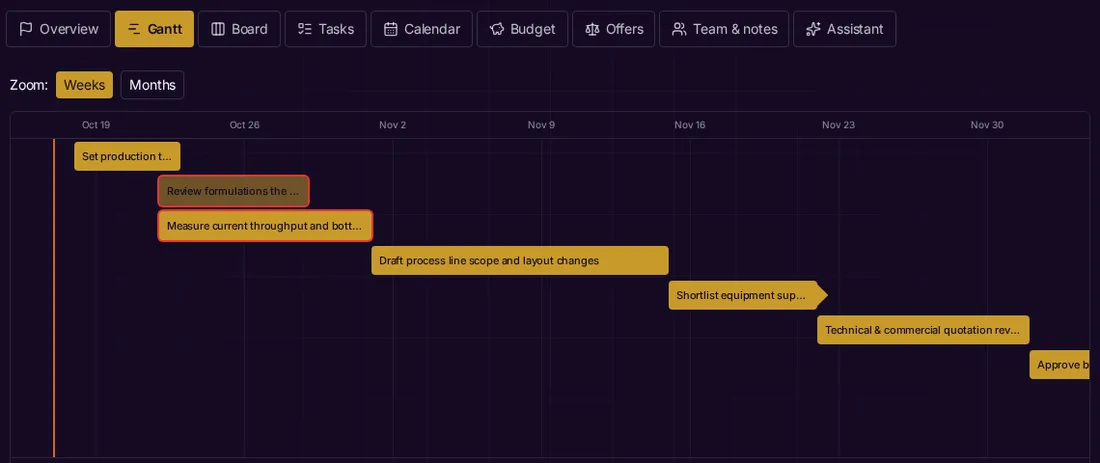
Worked example: upgrading an existing pellet line
A mill wants more output from its current line. The template sets throughput measurement and formulation review in parallel, both feeding the process-scope task. If measurement slips, the Gantt shows the scope task — and everything after it on the critical path — moving too. Budget lines for the retrofit start as your own estimates; when FeedMatch shares reviewed offers, their quoted figures sit next to your estimate rather than replacing it. For deeper reading see the feed-line upgrade FAQ.
Useful tools alongside the planner
- Feed landed cost calculator — compare delivered cost of offers.
- Ingredient cost comparison — price per nutrient unit.
- All calculators and the methodology behind them.
- Knowledge Center buyer guides.
Questions
- Is the planner free?
- Yes. Buyers can create and plan projects without charge after signing in. FeedMatch’s managed sourcing remains reviewed by our team for qualifying projects.
- Who can see my project?
- Only you, people you invite by email, and FeedMatch staff handling your request. Projects are not public.
- Will I see supplier names?
- Offers are shown anonymously under FeedMatch’s managed procurement process. Supplier details are shared only when the process reaches that point and both sides agree.
- Does it fetch exchange rates or prices?
- No. It never invents prices or rates. You enter rates with their source; lines without a rate are excluded from totals and flagged.
Published 17 October 2026 by FeedMatch Group. Feature descriptions reflect the workspace as live on that date.